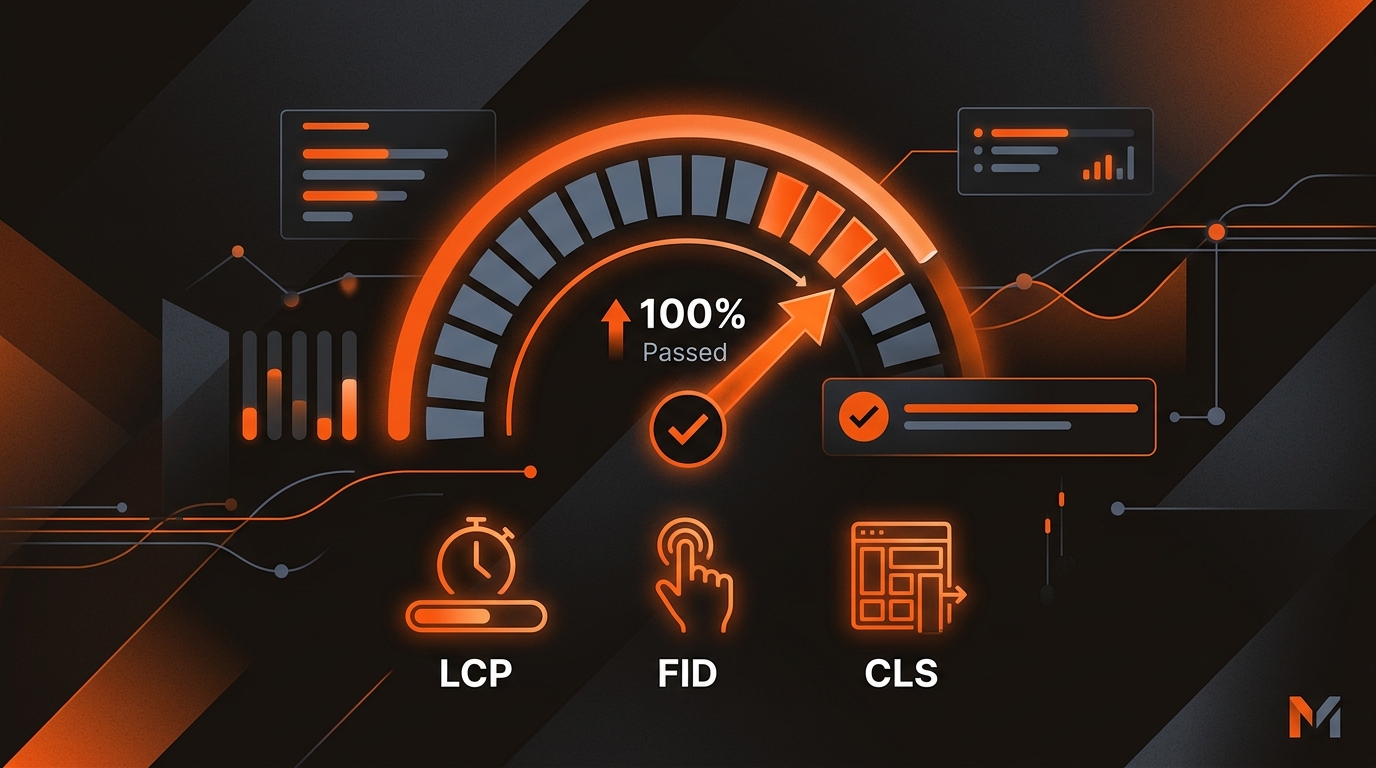
Short answer: To pass the Core Web Vitals assessment, get your 75th-percentile field data to “Good” for all three metrics: LCP ≤ 2.5s, INP ≤ 200ms (replaced FID), and CLS ≤ 0.1. Fix LCP by reducing TTFB and image weight, fix INP by cutting main-thread JavaScript, and fix CLS by reserving space for media, ads, and fonts.
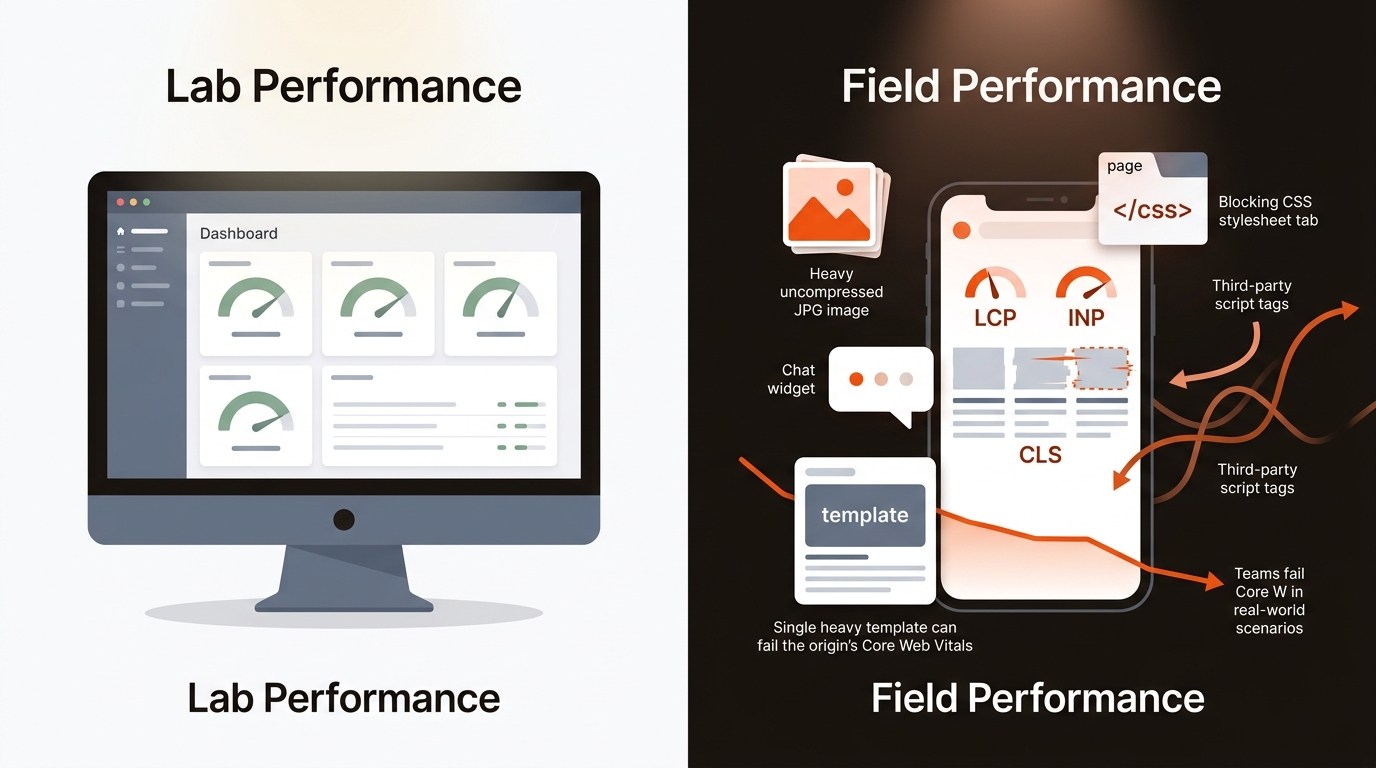
Field data wins. Lighthouse is guidance; the assessment passes only when 75% of real user visits are “Good” across LCP, INP, and CLS.
Fix LCP at the edge, tame JavaScript for INP, and lock layout to control CLS: at the template level across your highest-traffic paths.
• LCP: Cut TTFB with a CDN, server-side caching, and HTTP/2 or HTTP/3. Preload the hero image and its font, use WebP/AVIF, and compress. Inline critical CSS; defer the rest.
• INP: Reduce main-thread work. Remove non-essential third-party scripts, split long tasks, defer non-critical JS, and use passive event listeners. Offload heavy logic to Web Workers.
• CLS: Set width/height on images and video, use aspect-ratio boxes, allocate fixed slots for ads/embeds, and use font-display: swap with stable fallback metrics.
For verification, use PageSpeed Insights (field + lab), Search Console’s Core Web Vitals report (URL groups), and real-user monitoring via the web-vitals library sent to GA4 or Segment to track your own 75th percentiles.
For deeper context, see What Are The Three Core Web Vitals.
Choose fixes by impact-per-dev-hour.
caption
Treat Core Web Vitals as a template rollout: fix the few URL patterns that drive most of your impressions, then validate with field data.
1.
Identify templates by impressions. In GSC, open Core Web Vitals → “URL groups.” Pull the groups with the most impressions failing on mobile. Prioritize 1) blog index, 2) blog post, 3) product/pricing, 4) docs, 5) app login/onboarding.
Ship LCP fixes first. Preload the LCP image and its CSS. Move to AVIF/WebP via an image CDN (Cloudinary, Imgix, Cloudflare Images). Cap hero images at the width your layout needs and compress them. Inline only the critical CSS; defer the rest. Check that your CDN cache hit rate is high.
Tame INP by cutting main-thread work. Audit long tasks in Chrome Performance. Defer analytics, chat, and heatmaps behind interaction or an idle timer. Convert expensive event handlers to passive listeners. Split hydration with partial or island architectures if you run Next.js/Nuxt/Remix. Offload heavy transforms to Web Workers.
Lock layout to kill CLS. Add width/height or aspect-ratio to all media. Reserve fixed slots for ads/embeds. Preload fonts used in the hero and set font-display: swap. Avoid inserting DOM above-the-fold after first paint.
Validate, then roll. Use PageSpeed Insights for quick lab guardrails but rely on Search Console over the next 28 days for a pass/fail read. Add web-vitals RUM to capture your own 75th-percentile metrics by template and device.
A hypothetical plan for a small team with limited dev time, focused on blog and pricing. Week 1: image CDN + hero preload on both templates. Week 2: inline critical CSS and defer chat and A/B test scripts until after load.
Operational tradeoff: deferring chat can improve INP but may cut chat-sourced leads. Pick conversions over perfect scores when the lift is marginal.
You need measurable impact backed by the right tools; otherwise you’ll spend weeks tuning what users never feel.
• Ahrefs/SEMrush: Verify target pages’ traffic potential; prioritize templates tied to money pages.
• Search Console: Use “Impressions” to weight which template fixes move the most users into “Good.”
• Chrome DevTools: Slice long tasks and find blocking resources. Keep total blocking time under ~200ms for responsive INP.
• RUM via web-vitals: Track LCP/INP/CLS at the 75th percentile by template. Store in GA4 or your data warehouse.
Mergeflo publishes the articles you approve to Webflow and tracks visibility in Google and, on paid plans, in ChatGPT, Gemini and Claude answers, so technical quality still matters. Our autonomous SEO + AEO content engine finds gaps, drafts articles with FAQ schema and suggested internal links, and publishes the ones you approve to Webflow. When publishing goes through one place, it is easier to keep markup light, media sizes stable and internal links clean.
Yes. The Core Web Vitals assessment is evaluated per device. You can pass on desktop and fail on mobile. Prioritize mobile; it typically drives more impressions and is more sensitive to LCP and INP. Search Console reports them separately.
Expect one full CrUX window. The Core Web Vitals report uses a rolling 28-day field dataset. Track your own RUM to avoid waiting blind and confirm the 75th percentile is now “Good.”
Reduce hydration and third-party script cost. Enable partial or island hydration, pre-render above-the-fold, and delay analytics/chat until idle or interaction.
It’s a lightweight signal, but it compounds. You won’t jump five positions from a pass alone. The real win is eligibility: faster pages get linked, cited by AI systems, and convert better.
Pick your top two failing templates, ship one LCP fix and one INP fix each this week, then watch Search Console for 28 days. Passing the Core Web Vitals assessment is a template problem and a field-data problem. Treat it that way and you’ll move the only metric that matters: visibility that converts.
