
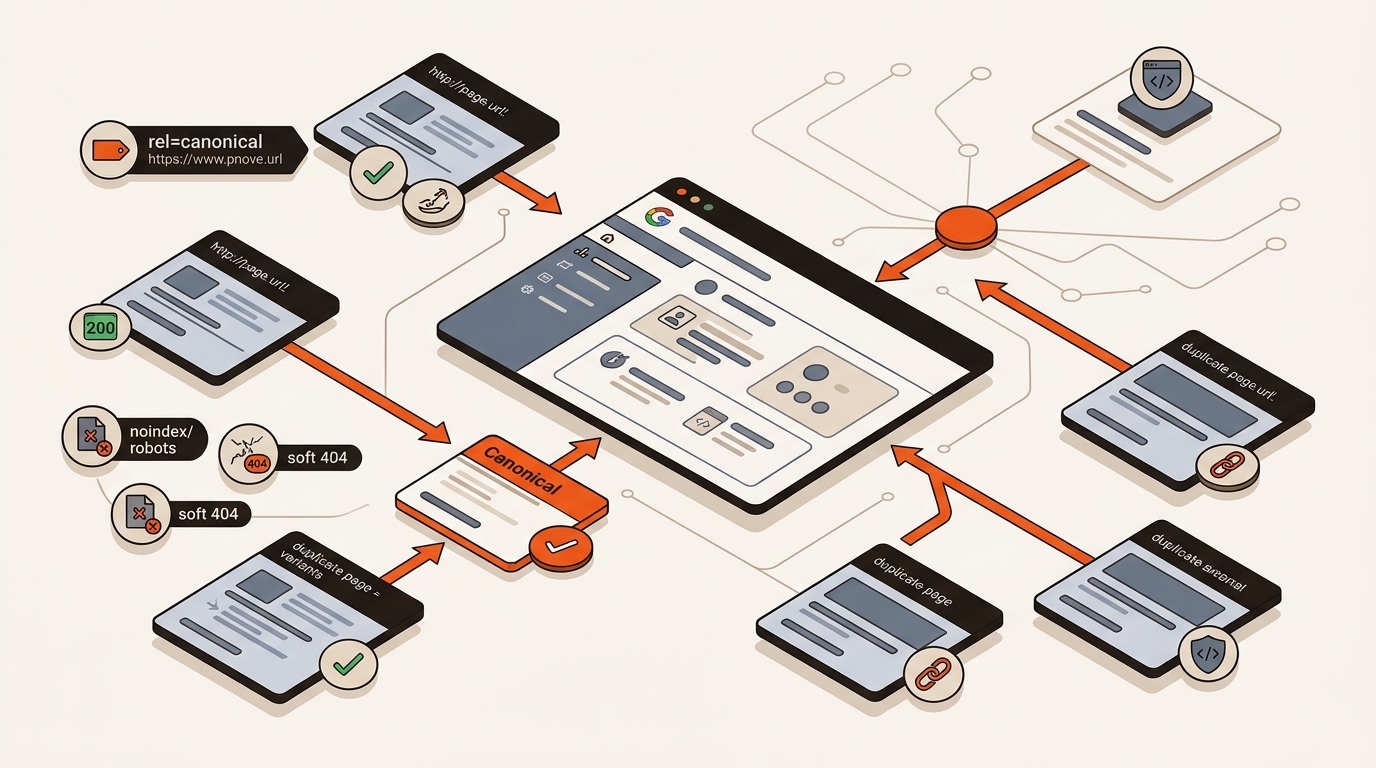
Short answer: In Search Console, crawled but not indexed means Google fetched your URL but did not add it to the index due to duplicate or low-value content, conflicting canonicals, noindex directives, unstable HTTP status, rendering gaps, or weak internal links. Fix those signals, confirm a clean indexable 200, then re-request indexing.
Most crawled but not indexed cases come from signal conflicts or thin duplication. Start with URL Inspection in Google Search Console: compare User-declared vs Google-selected canonical, confirm Indexing allowed, and review the HTML under View crawled page to ensure your primary copy actually rendered.
Use Screaming Frog or Sitebulb to surface noindex tags, soft 404 patterns, unstable 200/3xx/4xx flips, and orphaned URLs. Align rel=canonical, internal links, sitemaps, and redirects to the same canonical URL. If content is JavaScript-driven, ensure key copy (H1, intro, product terms) exists in the HTML Google renders.
“Crawled - currently not indexed means the page was crawled but not indexed; it might be indexed in the future.” Source: Page Indexing Report
• Page Indexing Report: https://support.google.com/webmasters/answer/7440203
• JavaScript SEO fundamentals: https://developers.google.com/search/docs/crawling-indexing/javascript
Some crawled but not indexed URLs on a new domain are common and do not always point to a fault. A new site has little trust history, so Google tests pages and holds back URLs until they show unique value. When several URLs say the same thing, Google tends to index the strongest one and hold back the rest.
Read the two statuses separately. Crawled - currently not indexed means Google fetched the page and paused inclusion, so look at quality, duplication and canonical signals. Discovered - currently not indexed means Google has not fetched it yet, so look at discovery: internal links and sitemap placement.
Map the exact Search Console symptom to one small, shippable fix and retest on a short cycle. Use the table to decide your next move, then verify via URL Inspection and the Page Indexing report before scaling the fix across templates.
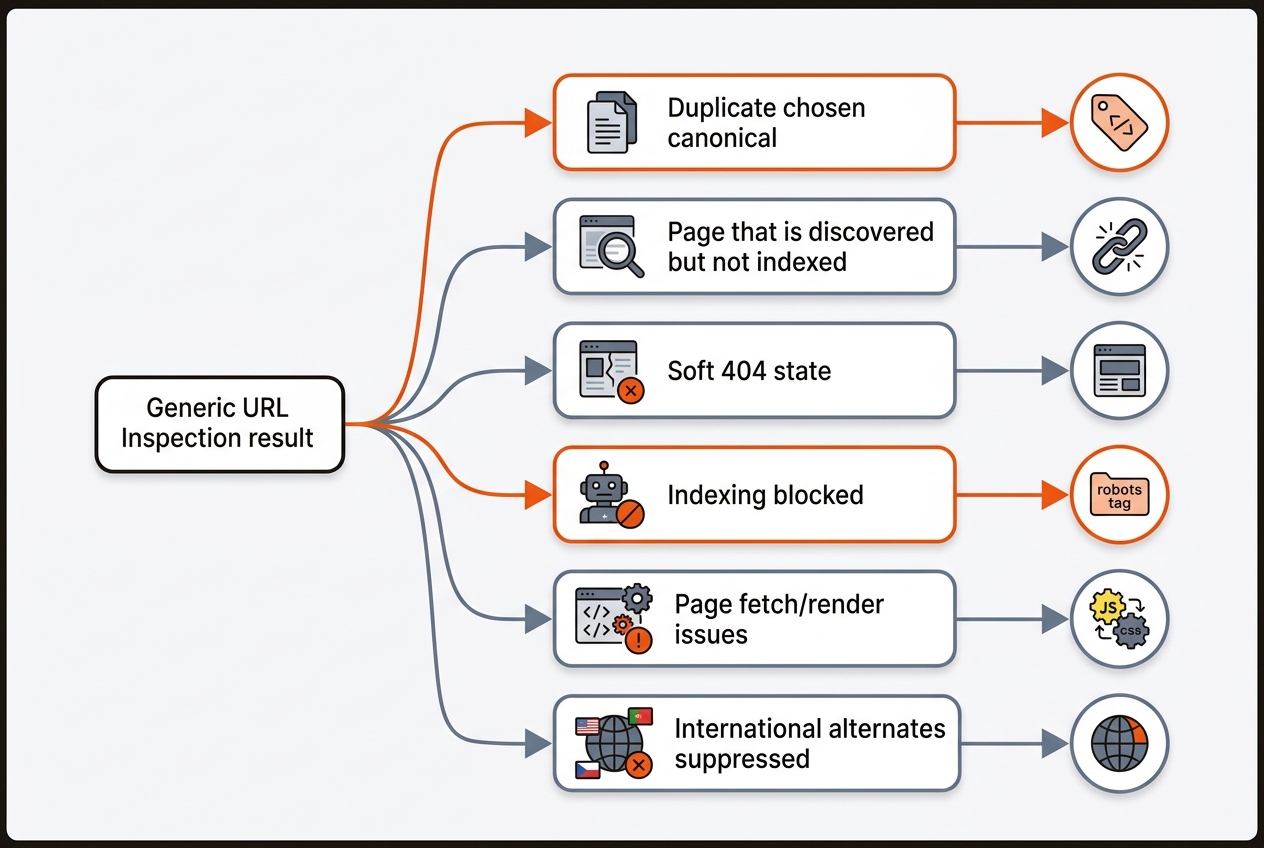
Operational tradeoff: consolidating overlapping URLs boosts indexing and ranking signals but sacrifices some long-tail coverage. Keep the canonical that already has impressions in GSC, 301 the duplicates, and migrate internal links. Indexing consistency matters more than sheer URL count.
Start with Coverage. For Crawled currently not indexed, pull a sample of URLs, check server logs for Googlebot visit and 200 status, then inspect main content length; treat pages with very little unique content as thin in triage. Add internal links from relevant hubs and resubmit sitemap. For Duplicate without user-selected canonical, verify only one rel=canonical, no conflicting canonicals in HTTP headers, and no parameterized variants in sitemaps. Keep redirect chains to two hops max, fix soft 404s to return 200 with content or 404 with a helpful template, and keep robots.txt from blocking CSS or JS.
Indexing stabilizes when signals stay consistent at publish speed across templates, sitemaps, and internal links. Ship segmented sitemaps with only 200-status, canonical, indexable URLs and accurate lastmod. Exclude faceted parameters. Reuse strong templates but add unique copy above the fold, entity-rich FAQs, and contextual internal links per page. Add Article/Product schema as appropriate.
Mergeflo supports the content side of this workflow. It finds search gaps and buyer questions, drafts briefs and articles in your brand voice for review, and publishes approved articles to Webflow. Canonicals, sitemaps and rendering stay in your own stack, so keep them on your checklist. If you need a deeper playbook on page-level indexing, read the sibling post: Why Is My Google Search Console Page Not Indexed.
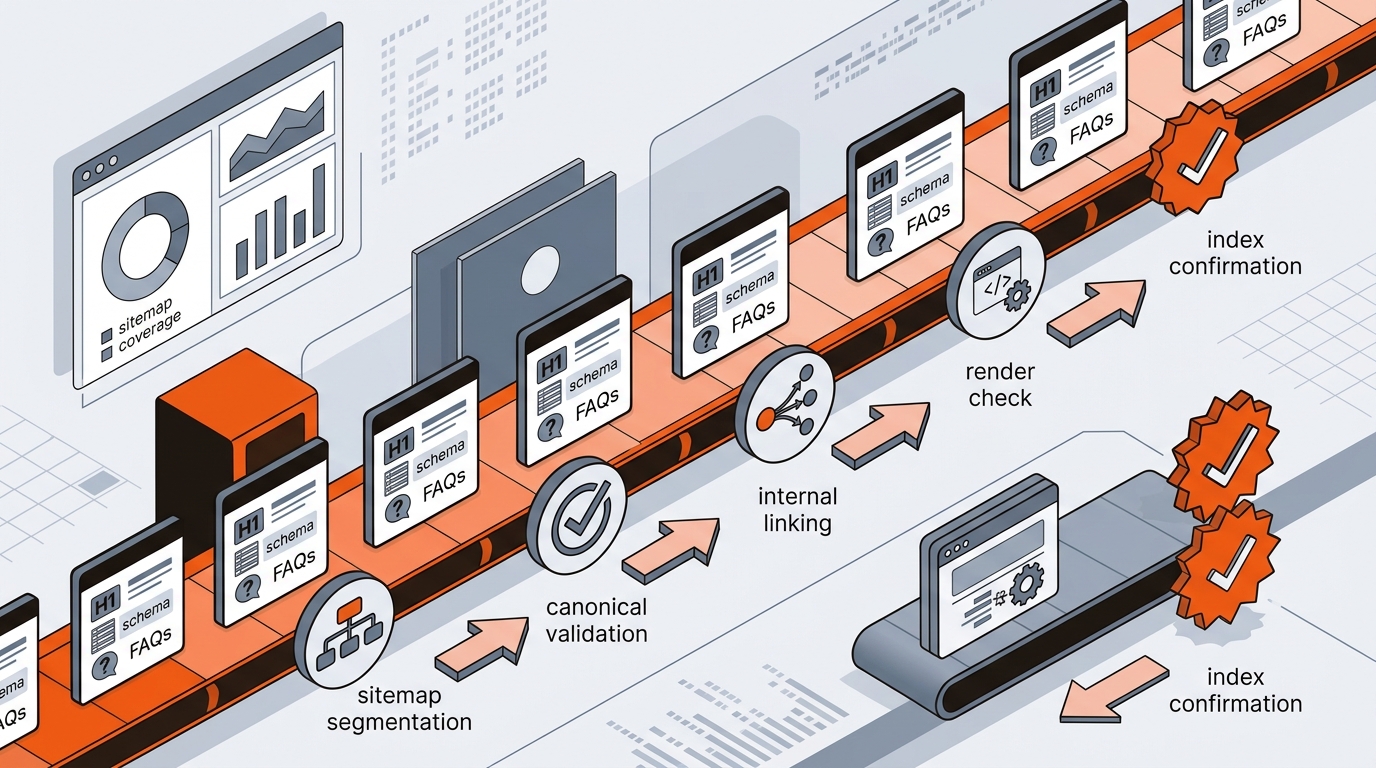
Operationalize with a weekly loop. Export your canonical URL list from the CMS, the live XML sitemaps, and the Index coverage via the Search Console API. Diff the three to surface gaps by template. Parse seven days of access logs, filter Googlebot by user agent and reverse DNS, and report percent 2xx, median TTFB, and average HTML bytes by template. Set targets for your own site, for example a high share of 2xx responses and a low TTFB (web.dev rates 0.8 seconds or less as good). Queue fixes by owner: dev for canonicals and headers, content for thin pages, ops for links and sitemaps. Regenerate sitemaps when the URL list changes.
Use Request Indexing only after the URL serves a clean, indexable 200 with aligned canonicals and internal links. It can speed recrawl for one-off pages, but it will not override weak content or conflicting signals. For batches, resubmit sitemaps and add internal links; avoid spamming the tool.
Add contextual links from already-indexed, relevant pages. Prioritize in-body anchors near matching terms over footer/sidebar links. Confirm source pages are indexed and recrawled in GSC, then wait a few weeks before reassessing, since Google says crawling can take anywhere from a few days to a few weeks (Google Search Central). Ahrefs’ Internal Link Opportunities report helps you find anchors at scale.
Programmatic pages stall when templates are near-duplicate and lack unique entity coverage or user value. Add unique intros with problem framing, page-specific data points, and tailored FAQs. At scale, watch GSC for soft 404 spikes and prune or 410 pages that never earn impressions after a fair test window.
Segment sitemaps by section, crawl weekly with Screaming Frog, and track GSC Page Indexing by folder. Set alerts for canonical mismatches and status flapping (200↔302↔404). Maintain a weekly checklist: ship fixes, resubmit sitemaps, re-run URL Inspection on a sample of URLs, and document outcomes in a spreadsheet for trend visibility.
Volume without quality signals slows indexing. Publish more only when each template can ship unique sections, entity-rich FAQs, and links from indexed hubs. Stabilize a small set of templates, confirm their pages get indexed, and then scale.
If Google fetched the page and paused, the cause is usually quality or duplication. If the URL stays at Discovered - currently not indexed, raise its priority with internal links and sitemap placement. Crawl budget limits are rare on small sites unless robots rules, noindex tags or slow responses get in the way.
